Big ideas.Little blocks.
Your child builds a real game in Scratch, one short step at a time, and learns how money works along the way: saving, pricing, budgeting, growing and giving. Then they play the game they made.
- One-time download
- Works offline
- No ads, accounts or tracking
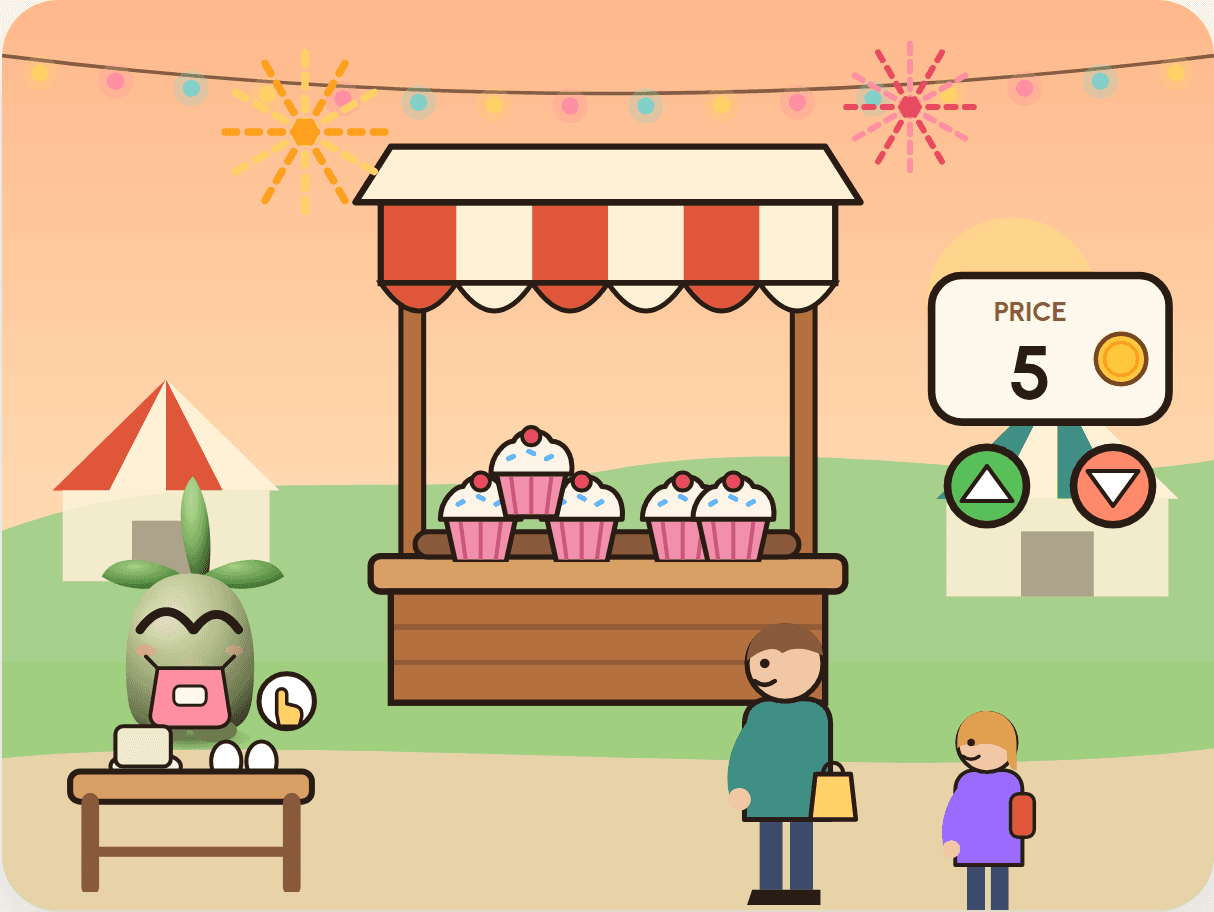
Every pack comes in three editions. Same game, local coins, local places.
Play it. Build it. Get it.
Each pack is a finished game your child rebuilds in Scratch, block by block, until the money idea inside it makes sense on their own terms.
Play the finished game first
Open the guide in your web browser and play. Nothing to install and nobody to sign up. Download it too, and it works offline.
Build it in Scratch, step by step
Nine short steps take your child from a starter file to the finished game. Every block is pictured in Scratch's own colours, and there's a rescue file after each build for when things get tangled.
Learn the money idea by coding it
Each step comes with a money note in plain words. By the end, saving or pricing isn't something they were told about. It's a rule they wrote, tested and played.
Talk about it at home
A section for grown-ups explains what they learned, with kitchen-table questions and one small thing to try for real.
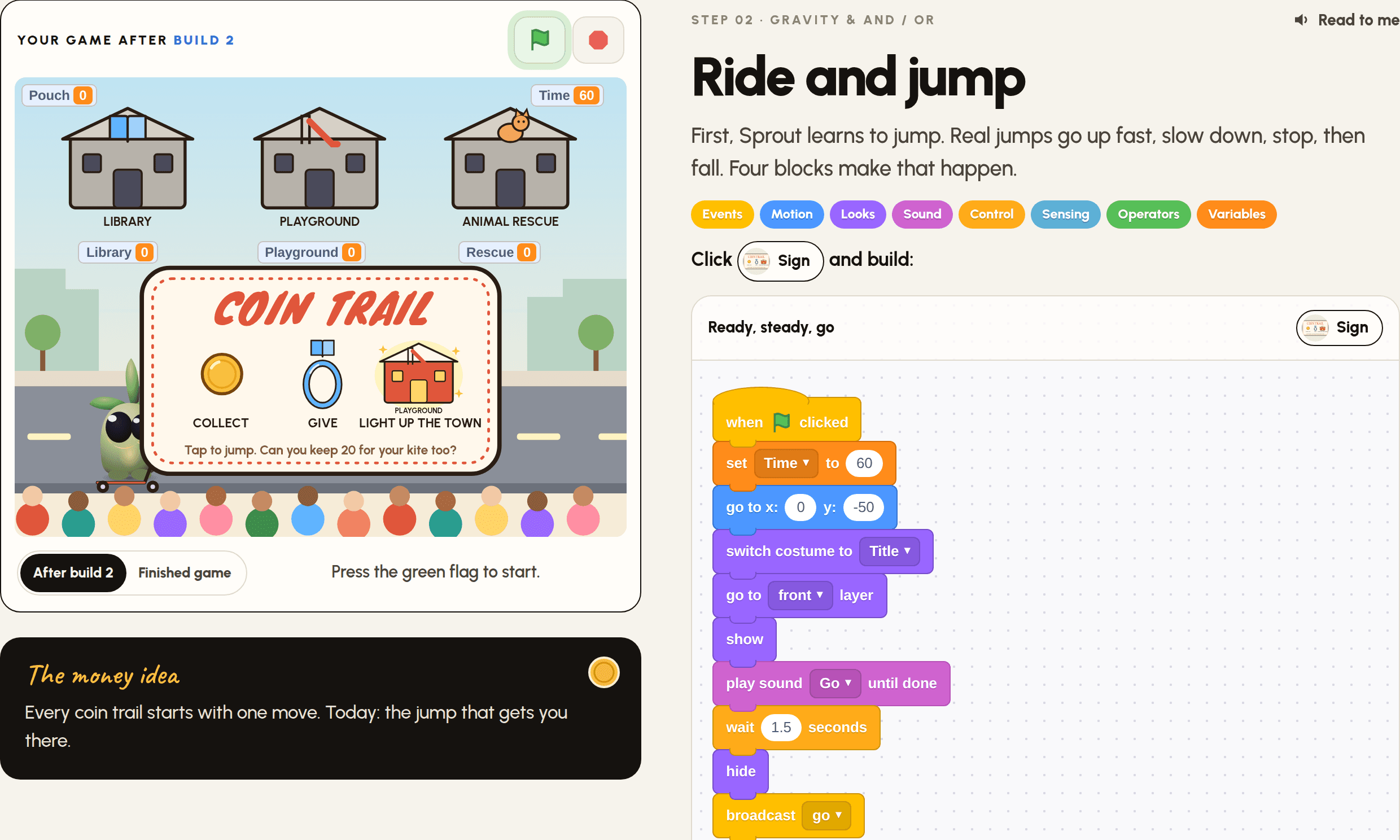
Not ready to code? Play first.
Every pack's game is also in Play, our app for children who'd rather play. Sprout reads the story aloud, your child plays the game, then wins stars and stickers and answers a quick quiz. Ready to make the game too? The pack shows how, step by step.
- Sprout reads every line aloud, so younger children can play on their own.
- Three stars and stickers to win in every game, and something new to try each day.
- Works on phones, tablets and computers. Once a game is played, it works offline.
- Included with every pack. No ads, no sign-up, nothing extra to buy.
Market Day is free to play.
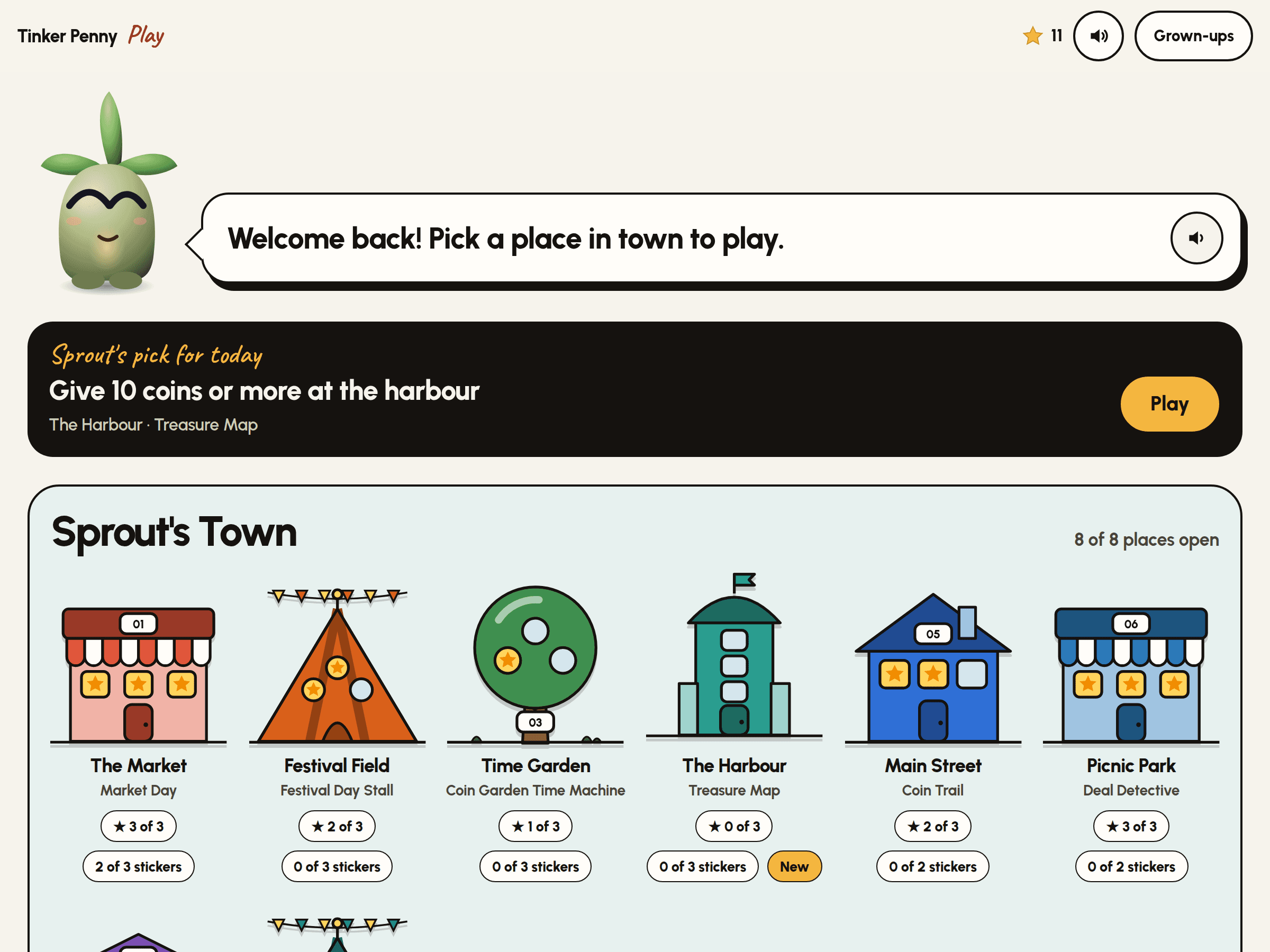
Watch a pack come to life.
Each video shows real Scratch blocks snapping together, then the finished game playing itself, then the money idea it teaches. Pick a pack.
Eight games. Eight money skills.
Each pack stands on its own, and they build on each other in order. Start with Market Day: it's free.
For ages 7 to 12 · English instructions · built with free Scratch on a computer, Chromebook or tablet · a grown-up helps with setup
- Free taster
Market Day
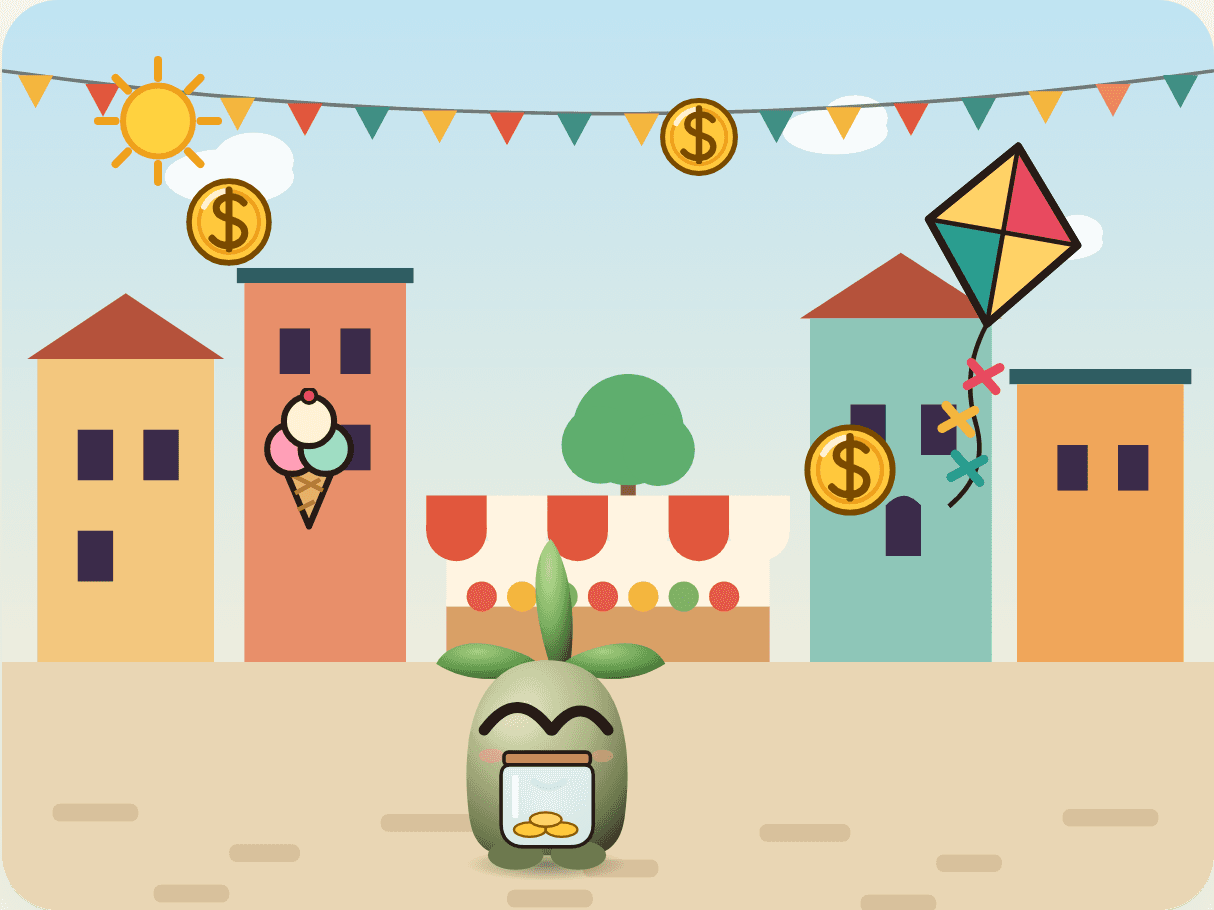
Catch coins at the market. Spend them on treats now, or save for a kite?
- Money skill
- Saving for a goal
- Coding ideas
- Clones, touching, if/else, maths
- Flagship
Festival Day Stall
Make it, price it, sell it. How many coins can your stall earn?
- Money skill
- Earning, pricing & profit
- Coding ideas
- Clicks, clone variables, nested if/else
Coin Garden Time Machine
Pick a dream. Plan your coins. Jump ahead in time and watch them grow.
- Money skill
- Goals & growth over time
- Coding ideas
- Sliders, a list, the Pen, chart maths
Treasure Map
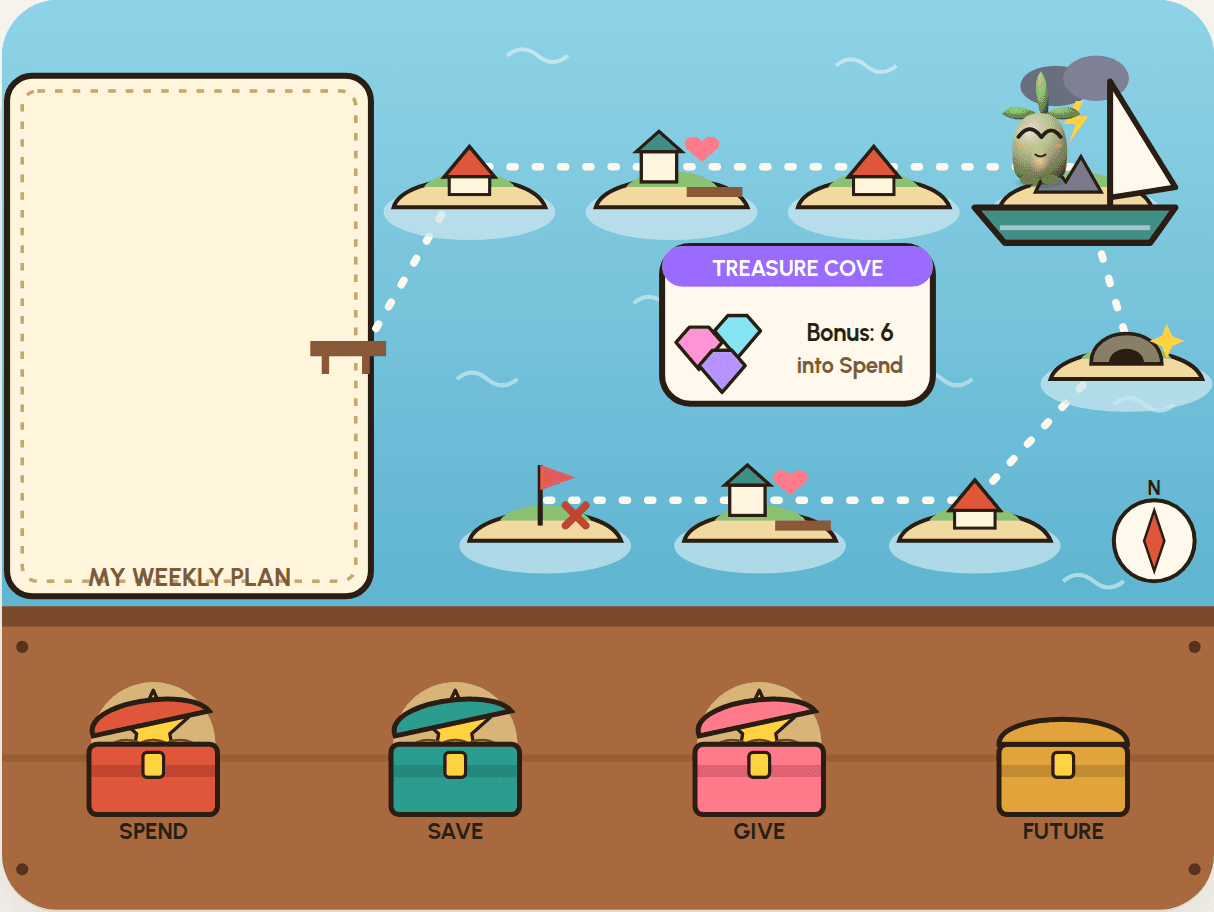
Ten coins a week, four chests, one voyage. Can you find all four treasures?
- Money skill
- Budgeting: spend, save, give, future
- Coding ideas
- My Blocks, lists as a route
Coin Trail
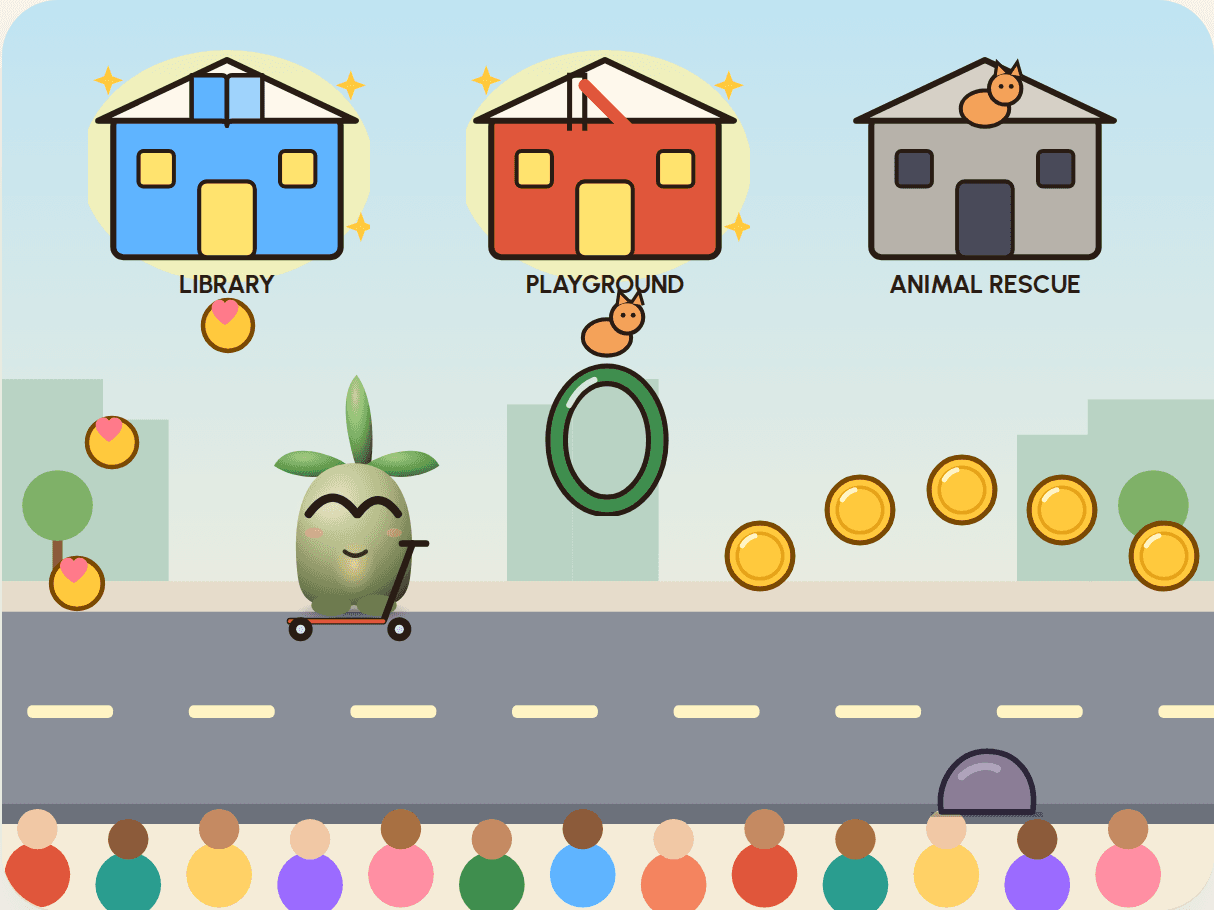
Ride through town, catch coins, and jump through hoops to give. Can you light up all three?
- Money skill
- Giving: choosing causes, many hands
- Coding ideas
- Gravity, clones with their own variables
- New
Deal Detective
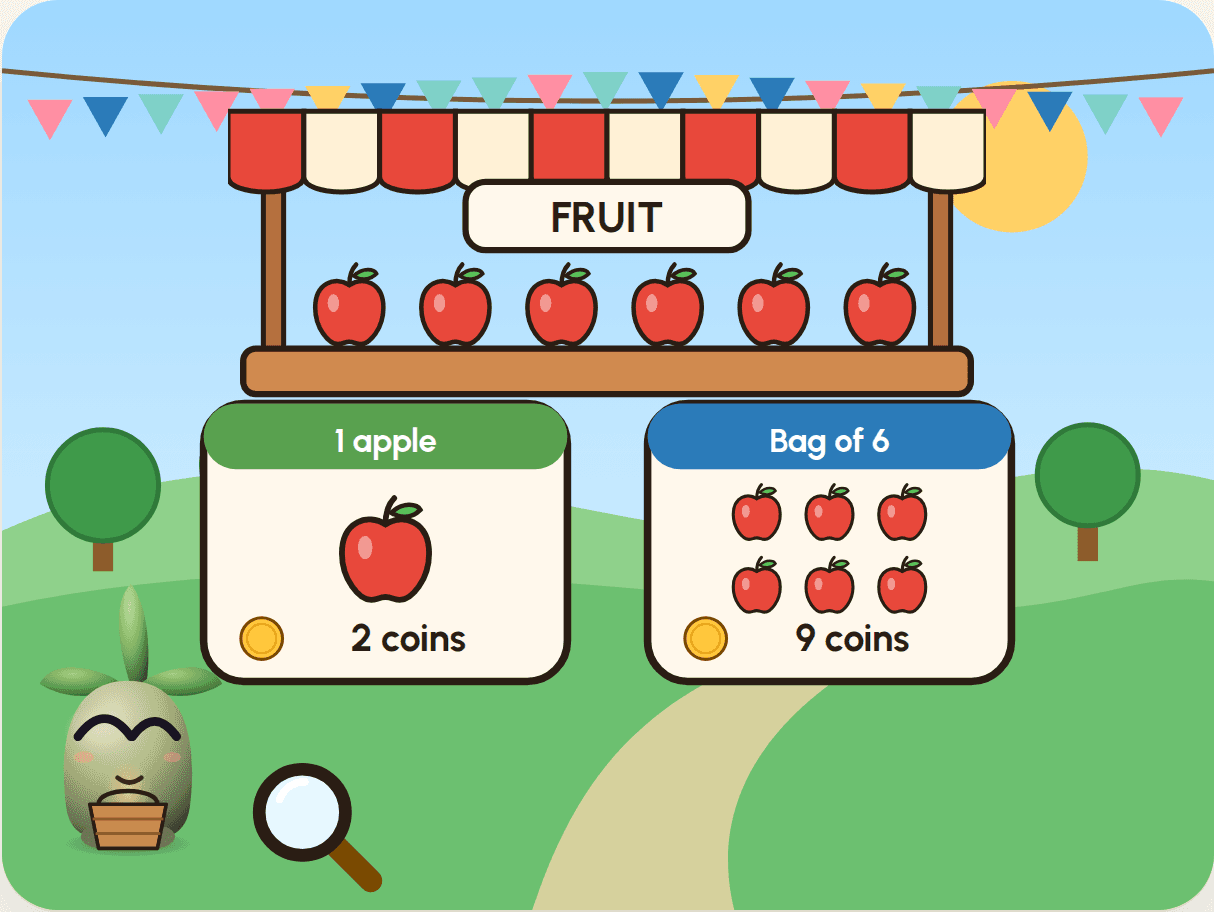
Shop for a picnic at three stalls. Is the bigger offer always the best buy?
- Money skill
- Comparing offers & buying to the need
- Coding ideas
- Lists, not / and, maths with variables
- New
Scam Detectives
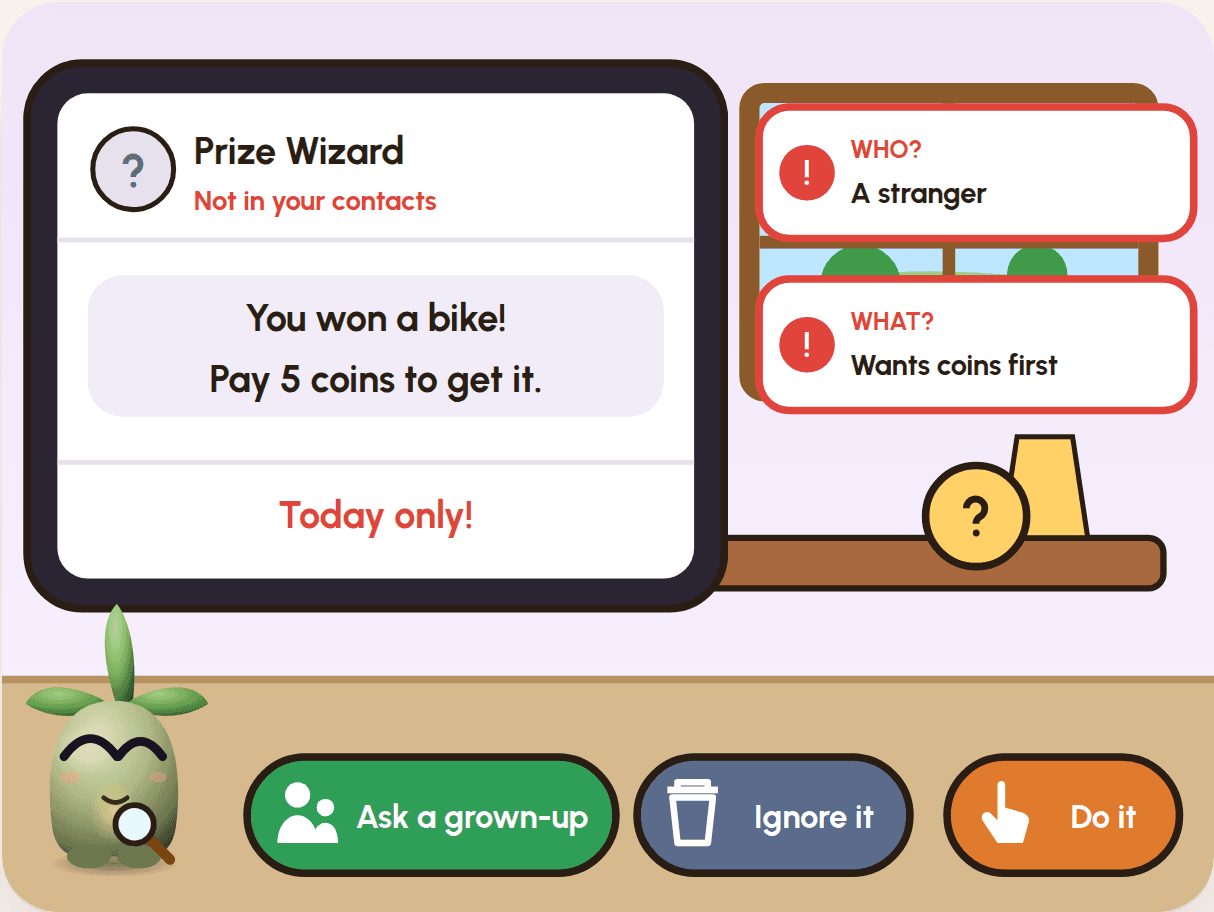
Four messages come to Sprout's tablet. Some are tricks. Can you spot them?
- Money skill
- Spotting scams & keeping safe
- Coding ideas
- Clones with their own number, costume maths
- New
Tap and Track
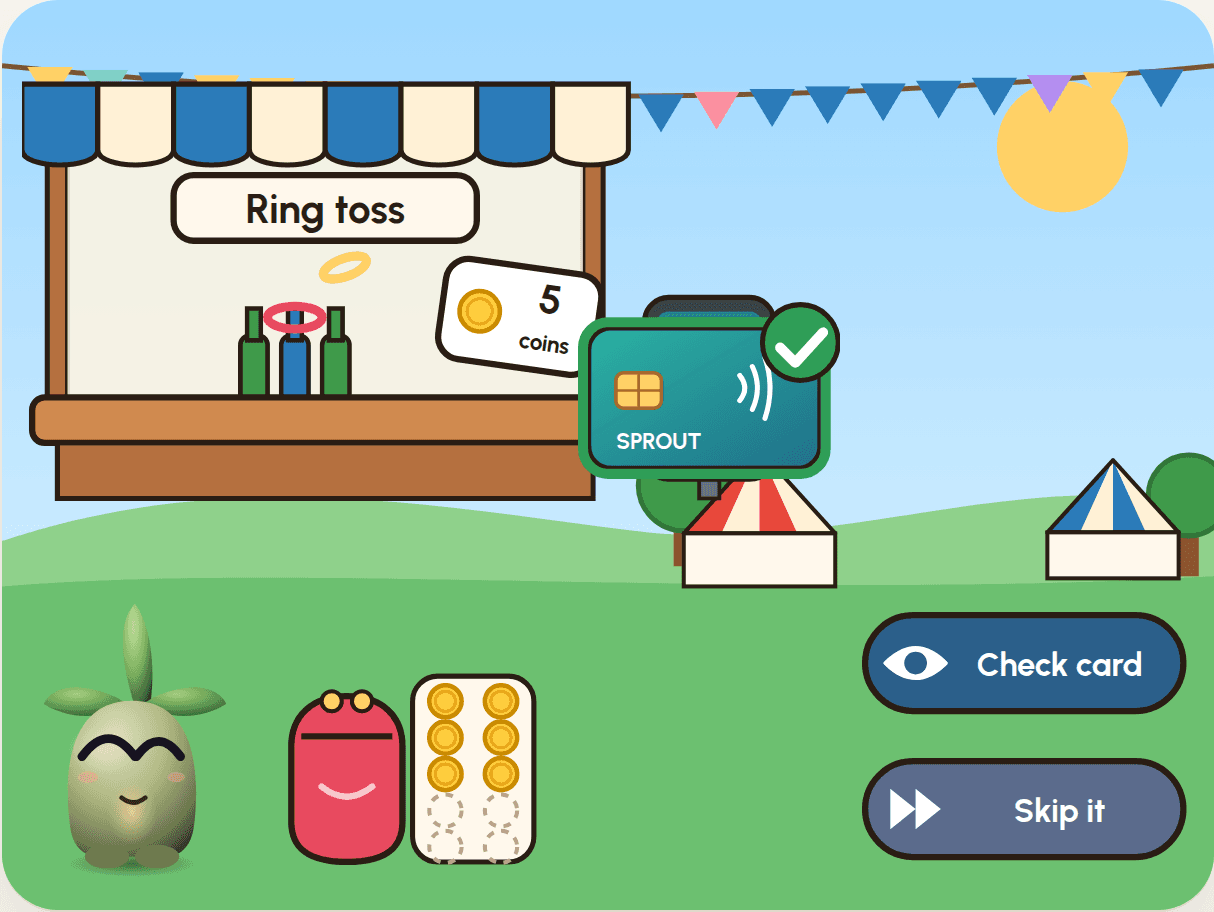
Coins in a purse, money on a card. Spend at the fair, and still ride the Big Wheel?
- Money skill
- Card and cash, tracking spending
- Coding ideas
- Lists that grow, clones that fly
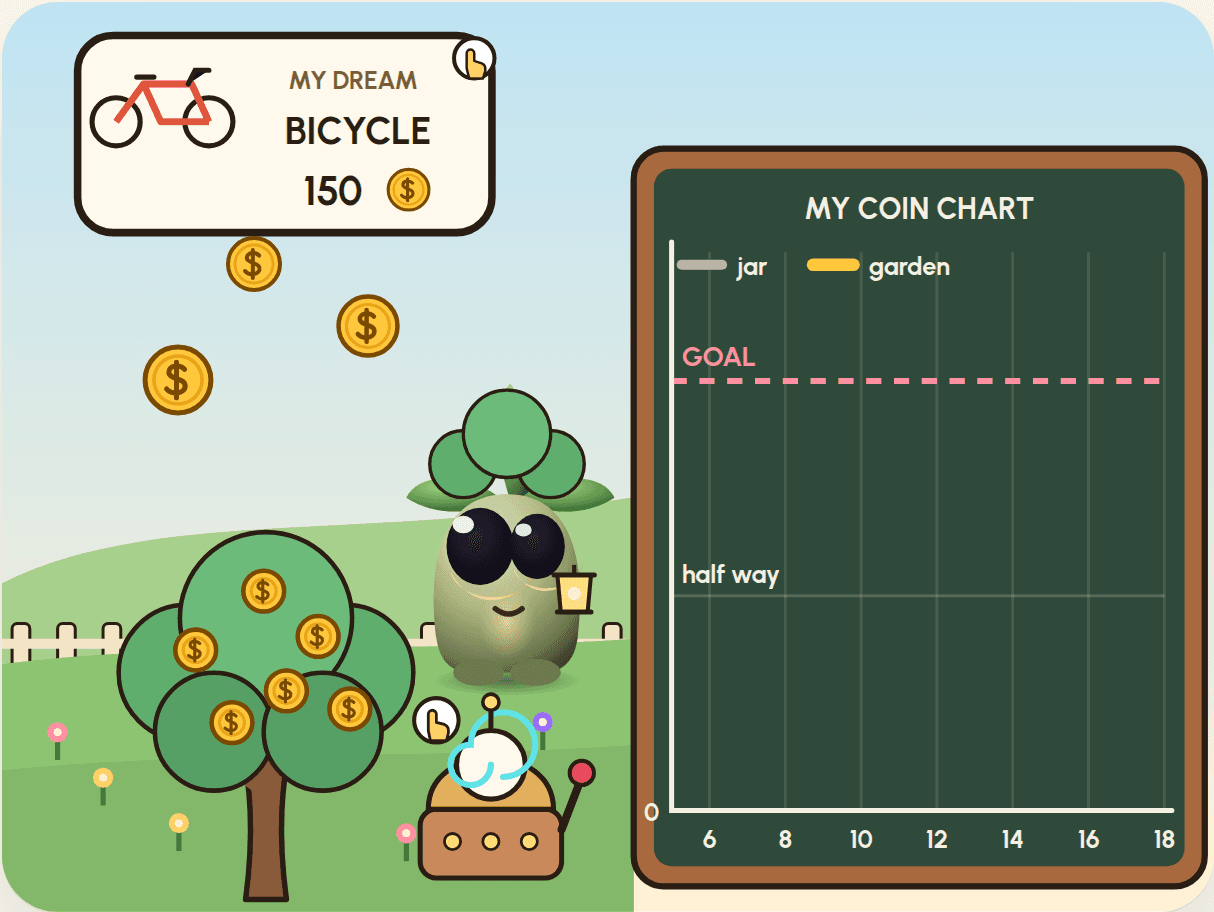
Three more packs on the way.
A new game and a new money skill in each, for the same ages.
Tell me when they're ready
We'll email you when they're out, then about once a month. Leave any time.
For grown-ups. We'll email you once to confirm. Privacy
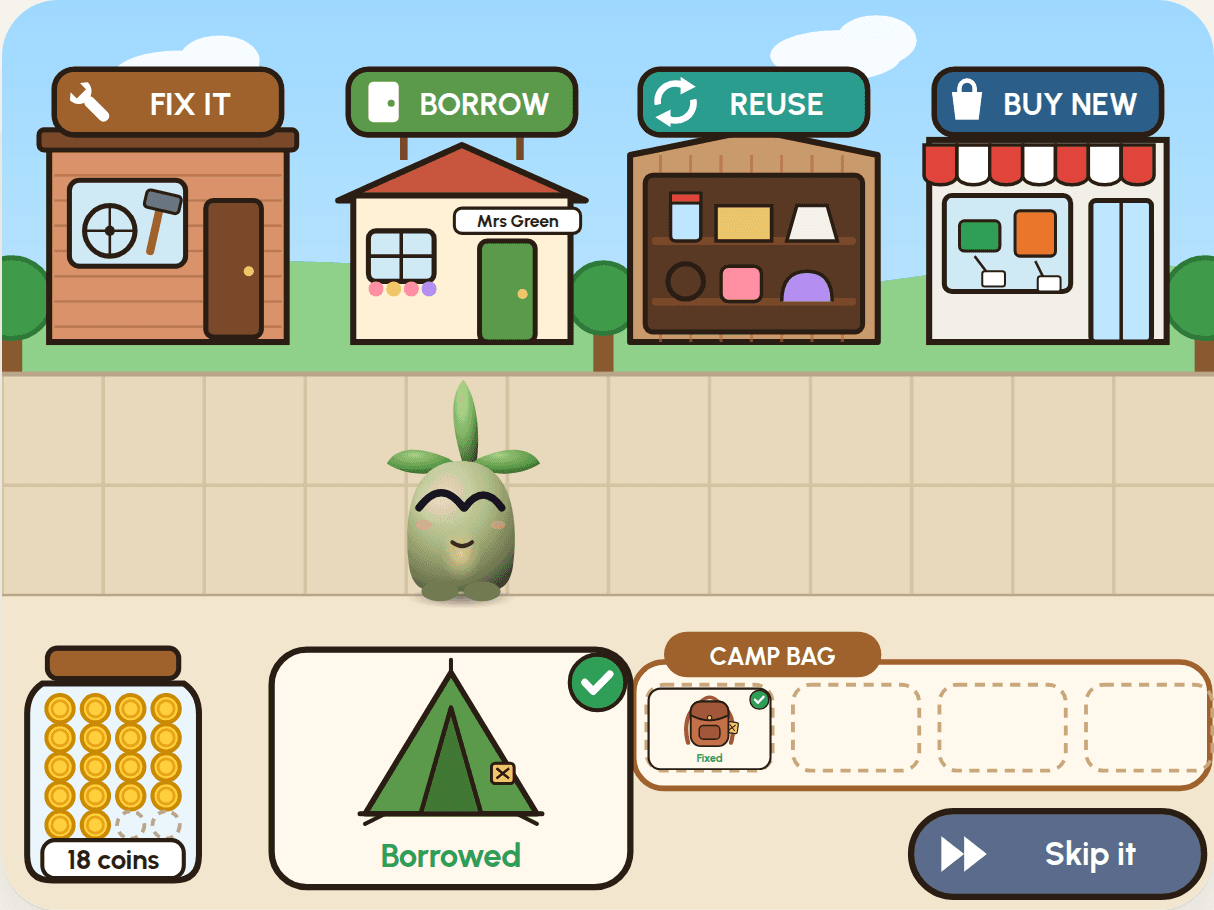 Pack 09 · Coming soonFix-It Town
Fix it, borrow it, reuse it, or buy new? Get ready for camp with 20 coins.
- Money skill
- Fix, borrow, reuse or buy new
 Pack 10 · Coming soonParty Planner
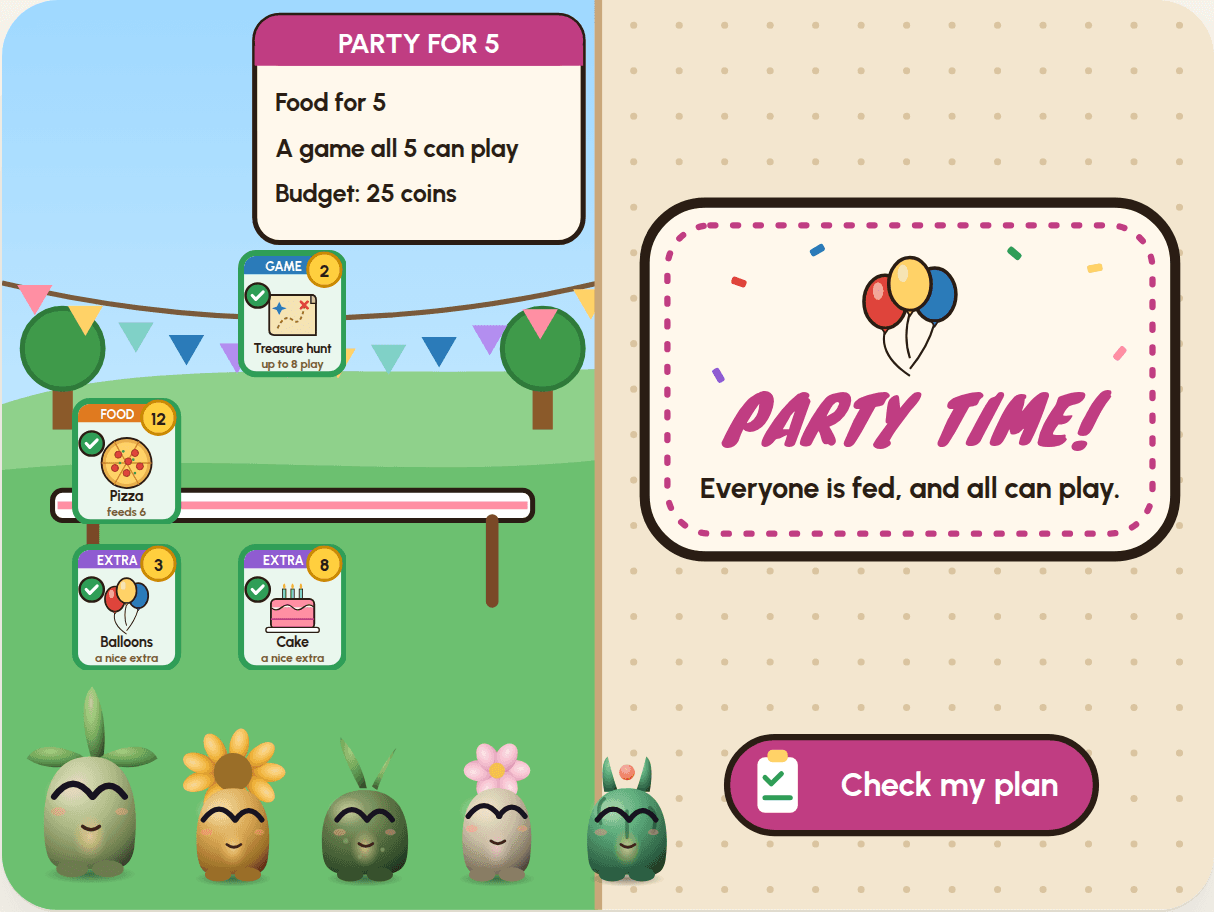
A party for 5, with 25 coins. Can you plan one that works?
- Money skill
- Planning with a budget: needs first
 Pack 11 · Coming soonAd Detectives
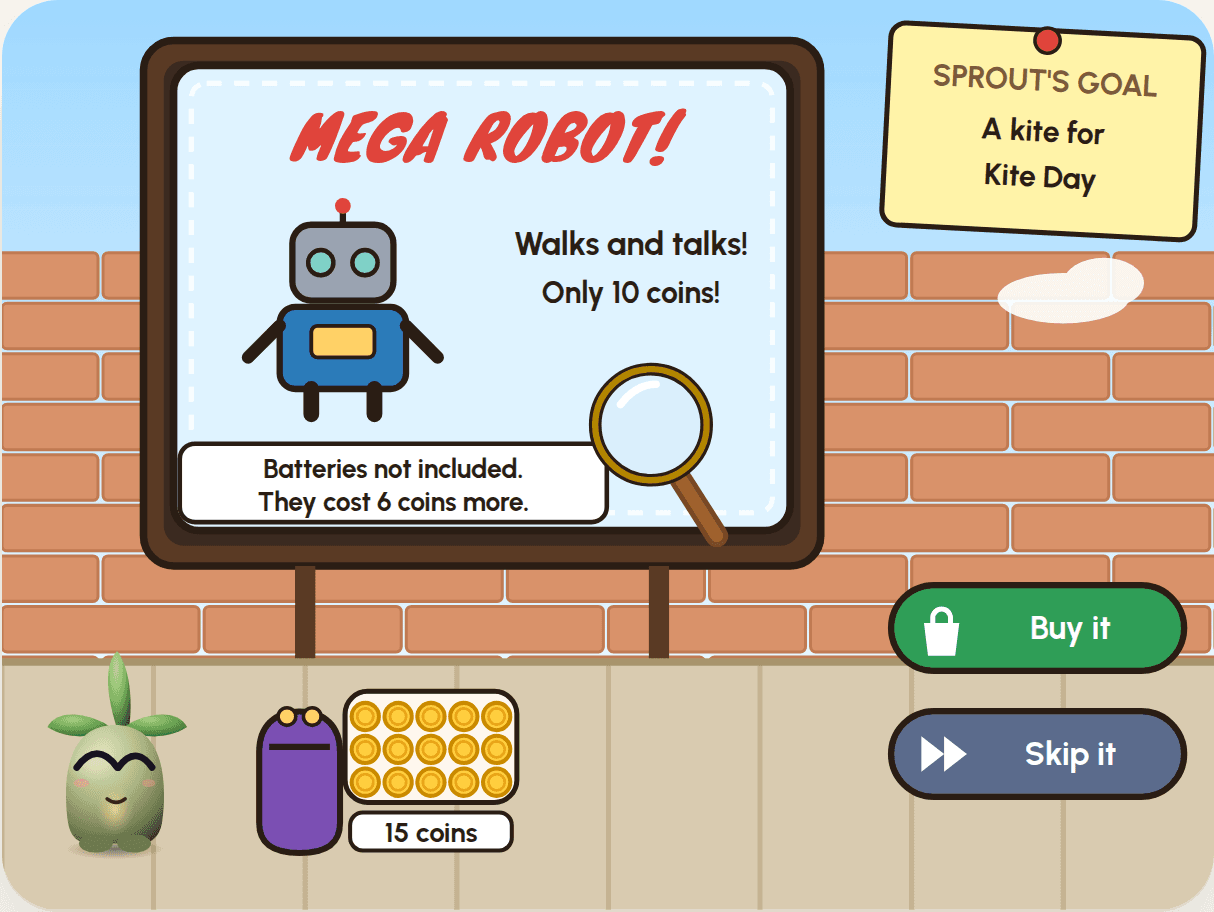
Four ads, one goal. What does the small print really say?
- Money skill
- Ads, small print & buying to your goal
The Tinker Collection
All five packs, from saving for a kite to lighting up a town. Market Day is free anyway, so you're paying for four, for less.
For ages 7 to 12 · English instructions · built with free Scratch on a computer, Chromebook or tablet · a grown-up helps with setup
Two skills, growing side by side.
Every pack adds a money idea and a few new Scratch ideas. By Pack 08, your child is using clones, lists, custom blocks and gravity. They know why people save, price, budget and give, and how to compare offers, spot scams and keep track of card money.
Market Day
- Money
- Saving for a goal
- Code
- clonesif / elsemaths
Festival Day Stall
- Money
- Earning by making and selling
- Code
- clicksclone variablescountdown
Coin Garden Time Machine
- Money
- Setting a goal and a plan
- Code
- slidersliststhe Pen
Treasure Map
- Money
- A four-jar budget: spend, save, give, future
- Code
- My Blockslists as a routecomparing words
Coin Trail
- Money
- Giving is always your choice
- Code
- gravityand / orown variables
Deal Detective
- Money
- Comparing the total for what you need
- Code
- lists as a tablenot / andmaths with variables
Scam Detectives
- Money
- A scam is a trick to get your money or your secrets
- Code
- clone numberscostume mathschecking buttons
Tap and Track
- Money
- Tapping a card is real money
- Code
- growing listsflying clonesglide
Fix-It Town
- Money
- Fix, borrow, reuse or buy new
- Code
- a list as a gridjoinglide
Party Planner
- Money
- Planning with a budget: needs first
- Code
- loops through liststogglesMy Blocks
Ad Detectives
- Money
- Ads, small print & buying to your goal
- Code
- dragwait untilghost effect
Everything you need. Nothing you don't.
One ZIP file per pack. Unzip it, open the guide, and you're ready. Scratch itself is free, online or as an app.
An offline guide
Nine steps with every block pictured, a playable preview of the game, and read-aloud for each step. Ticks are saved on your device; the game itself is saved in Scratch.
Real Scratch files
A starter file, the finished game, and a rescue file after every build, so no one gets stuck for long.
Three local editions
Anywhere ($), UAE (AED) and India (₹): the same game with local coins, treats, festivals and places. The instructions are in English in every edition.
A grown-ups section
What your child learns, the coding idea behind each build, kitchen-table questions, and a way to try it for real.
Show and tell
A badge with your child's name, a 30-second talk to practise, a lab table to fill in, and remix challenges.
Pictures and sounds
Every original picture and sound in the game, ready for remixing into something new.
Built to protect. Made to be fun.
These are games first: real challenge, real wins and a little bit of drama. But they're made for children, so the rules are strict where they matter.
The money ideas follow TWin's chapters for Generation Alpha: short sentences, no jargon, and no shame.


- No ads, accounts or trackingThe guide collects nothing. Your child's name and progress stay in your own browser.
- Pretend coins onlyNo real money, no in-game purchases, ever. The only payment is yours, once, here.
- No loot boxes or gambling tricksNothing random to pay for, no streaks to protect, no pressure to keep playing.
- Kind words, alwaysMistakes get a tip and another go, never a telling-off. Every game ends warmly.
- Choices stay theirsGiving, saving and spending are your child's decisions in the game. We show what happens; we don't preach.
- Works offlineOnce downloaded, the guide needs no internet, so screen time stays on the task.
Coins from home, or from here.
Moved countries? Every pack includes all three editions, so your child can play with the money they know, and switch any time.
Anywhere
dollars, and a summer fair
Ice cream at the market, cupcakes at the Summer Fair, a sailboat voyage and a kitten rescue.
UAE
dirhams, and the souk
Luqaimat at the souk, sand-art bottles at the Winter Festival, a dhow voyage and a sea-turtle rescue.
India
rupees, and the bazaar
Jalebi at the bazaar, diyas at the Diwali Mela, a mango tree that grows coins and a puppy rescue.
Teaching money at home.
Short, plain guides with words to use and things to try at home. Free to read. All 6 articles
 Getting started · 3 min read
How to teach kids about money: a guide for ages 7 to 12
Simple ways to teach children aged 7 to 12 about money: earning, saving, spending, giving and staying safe. Plain steps, with things to try at home.
 Pocket money · 3 min read
Pocket money for kids: how to start, and how much to give
How to start pocket money for children aged 7 to 12: how much to give, when to pay, whether to link it to chores, and a simple spend, save and give plan.
 Staying safe · 2 min read
How to explain scams to kids
How to talk to your child about scams: three questions to ask about any message, the tricks children meet most, and what to do if they clicked.
Part of TWin, by ProsperityLab
Tinker Penny comes from ProsperityLab, the team behind TWin: a financial-education companion for Generation Alpha. The coding packs turn TWin's money lessons into something children make with their own hands, one block at a time. Visit ProsperityLab
Good to know.
What do we need?
A computer, Chromebook or tablet (Android or iPad) with a web browser, and Scratch, which is free: use it in the browser at scratch.mit.edu, or install the Scratch app. A phone is too small to build on, but the guide's game plays fine on one. Never used Scratch? Our starter guide for grown-ups shows every step.
Does my child need to know Scratch already?
No. Market Day starts at the very beginning: loading a file and snapping blocks together. Each pack adds a few new ideas on top of the last. Children who can read short sentences can follow along on their own; younger ones enjoy building with a grown-up. You don't need to know Scratch either: start here.
How long does a pack take?
Nine steps: play, set up, six coding builds, and show and tell. Most take 15 to 30 minutes, and one or two a day is plenty, so a pack makes a happy week. At the end of each session, save the game in Scratch (File → Save to your computer); the guide shows how on day one.
Which edition should we choose?
You don't have to choose. Every pack includes Anywhere ($), UAE (AED) and India (₹), and you can switch at the top of the guide whenever you like.
How do we get the files?
Straight after checkout you'll land on your download page, and we'll email you the link too. Open each guide online from there, or download the pack. Keep that link: it works whenever you need it.
What is Play?
Play is our web app for the games, for children who'd rather play than build. Each pack's game becomes a short lesson: Sprout tells the story aloud, your child plays, then wins stars and stickers and answers a quick quiz. Your packs open in Play from your order page. It works on phones too, keeps a copy of each game so it plays offline, and you can add it to your home screen like an app. Stars and stickers stay on your device.
Is there any real money involved for my child?
No. Children only ever handle pretend coins inside the games. The one payment happens here, once, made by a grown-up.
Can teachers or clubs use the packs?
Each purchase is for one family to use at home. For classrooms, clubs and schools, write to us at support@prosperitylab.ai about a group licence.
What if it isn't right for us?
Try Market Day free first. It's a full pack, so you'll see how your child gets on. Paid packs are downloads, so sales are final once you start downloading, or open a guide or a game in Play. If a pack doesn't work, we'll fix it or refund you. Our refund policy has the details.
Is this made by Scratch?
No. Tinker Penny is independent and isn't endorsed by the Scratch Foundation. Scratch is a project of the Scratch Foundation, in collaboration with the Lifelong Kindergarten Group at the MIT Media Lab, and it's free at scratch.mit.edu.
Start with Market Day. It's free.
Catch coins. Choose a treat, or save for a kite. If your child loves it, seven more games are waiting.
For ages 7 to 12 · English instructions · built with free Scratch on a computer, Chromebook or tablet · a grown-up helps with setup